
How to make your calendar
Choose up to 13 photos in JPEG, PNG or WebP format. They fill the cover and the twelve months in the order of your file list, and you can replace any single photo from its page below. A landscape photo works best because each page is a landscape layout.
When you are happy with the preview, download the high-resolution print PDF. The file has 13 landscape A5 pages with 3 mm of extra margin and crop marks, so you can print at actual size on a larger sheet and trim along the marks.
Get 50 NP when you sign up
A free NovaMint account starts with 50 NP, and one print PDF costs 50 NP. That means your first calendar download is free. Create your account from the dialog on the tool, log in, and your photos stay in this browser tab while you do it. You also earn 10 NP for every US dollar you pay in the store while logged in, and points expire 365 days after they are earned.
Print license for small projects
One buyer may print up to 50 physical copies to sell or give away, for example as gifts, family keepsakes or a small craft stall. You may not resell or distribute the original digital PDF. Use only photos you have permission to print and share, and leave out images that show other people unless they agree.
Tips for sharper pages
Pick photos with a clear subject and some empty space, because the month grid sits below the picture. Use the original file from your camera or phone rather than a screenshot or a chat-app copy, which is often compressed. Check each page in the preview before you download, and swap any picture that looks soft or cropped in an awkward place. Dark photos print darker than they look on screen, so keep that in mind when choosing paper.
Privacy: your photos stay with you
The calendar is created on your device. Photos and the finished PDF are not sent to NovaMint servers, so reloading the page clears your work. If you want to keep a layout, download the PDF before you close the tab.
Plan the year as well as the dates
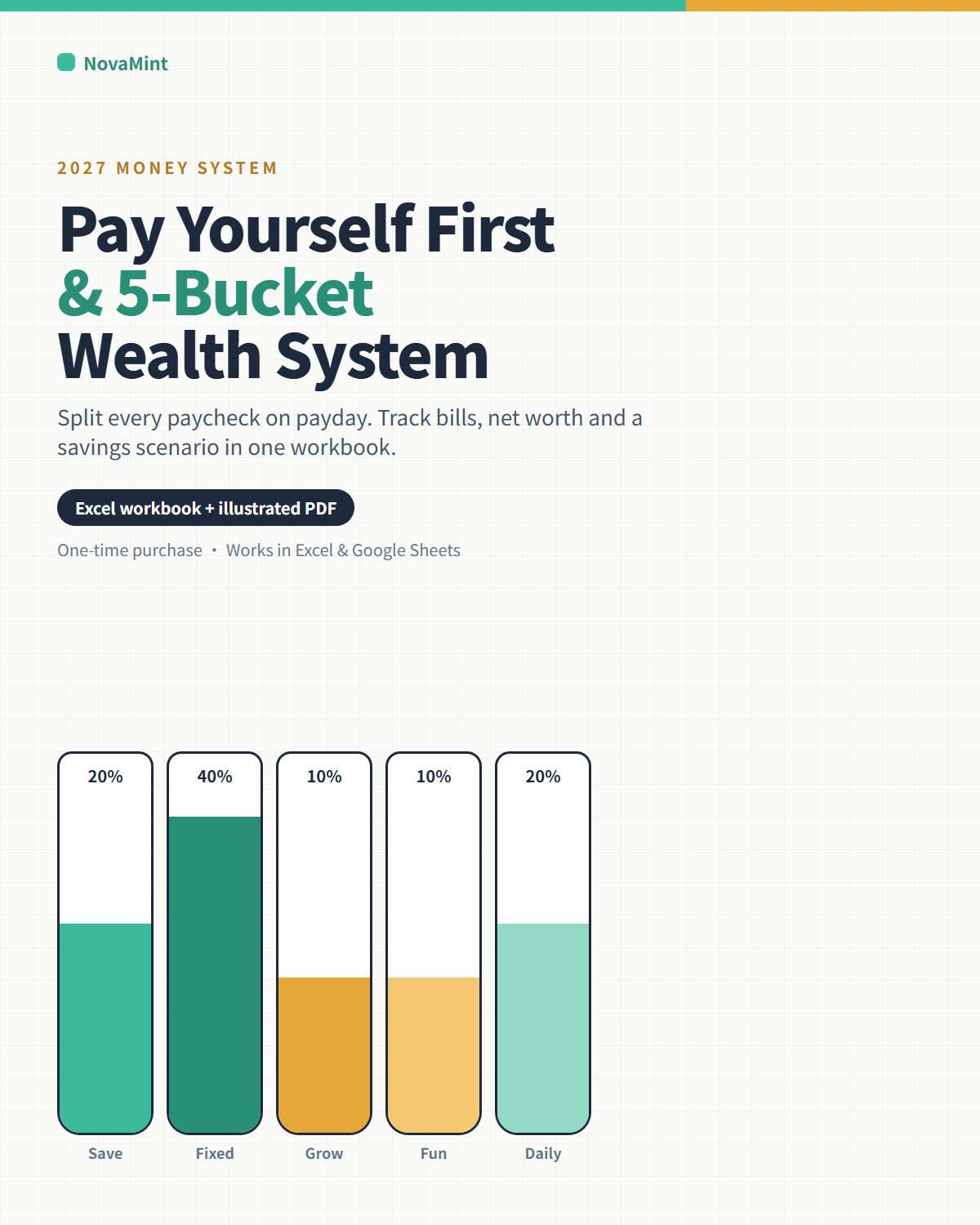
A calendar shows the days. A plan shows where the money goes. If you are setting up 2027, the NovaMint Wealth System workbook gives every paycheck a purpose, lists bills and renewals before they arrive and follows net worth through the year. It is a one-time purchase and works in Excel and Google Sheets.